
TEAM MEMBER RESOURCES
We are glad you’re part of the MetroLagoons team! See below for helpful links and resources.
NEW: We’ve made it easier to access the Employee Contact Form!
Our Service Standards
Three principles that guide every interaction and help us create an exceptional experience.

Safety &
Professionalism
We lead with care, consistency, respect, and a commitment to doing things the right way.
Service Is
the Experience
Every interaction matters. The way we serve shapes how guests and team members feel.

Informed
Expectations
Clear, timely communication builds trust and helps everyone know what to expect.
Important Employee Notice
Timecard Emails Begin August 4
You’ll receive timecard notifications to help you review your recorded time and ensure your timecard is accurate.
Previous-day punches, clock-in/out times, meal breaks, job codes, and differences between scheduled and recorded time.
Every Monday, you’ll receive a summary of your recorded time from the previous week.
If you have any questions, please reach out to your leader or Human Resources.
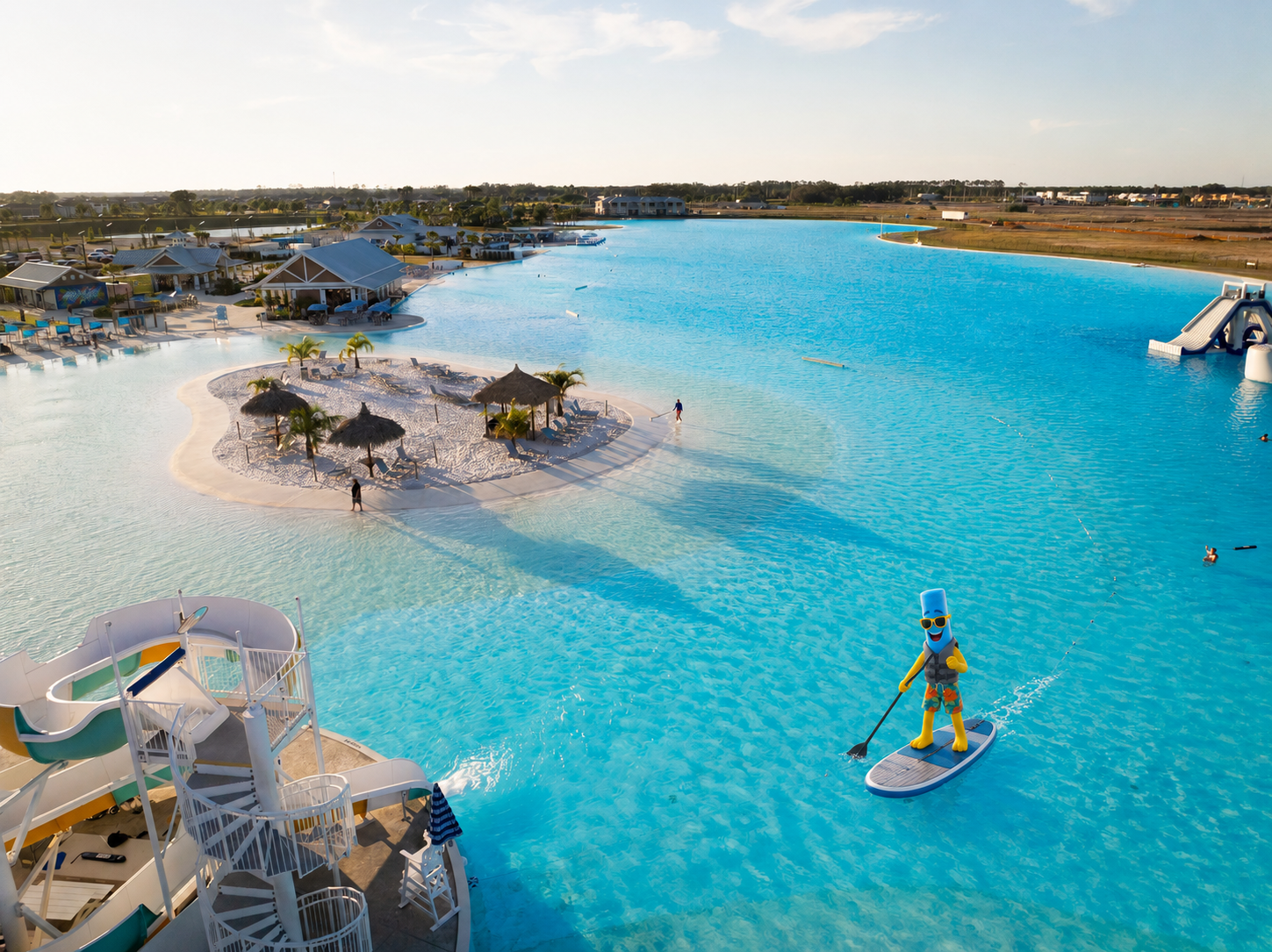
Meet Finn!
The new virtual mascot for MetroLagoons! You'll see him around the website, marketing promos, employee communication, and more!
Watch More VideosLet’s Celebrate Our Team!
A big round of applause for the team members whose leadership, dedication, and hard work make a real impact!
Leaders of the Quarter
Cody Stoddard
Assistant General Manager
Brightwater Lagoon
Justin Cochran
Marketing Manager/Pasta Connoisseur
Lagoon Support Team
Team Members of the Month
Gavielle Brown
Bartender
Brightwater Lagoon
Emily Bouton
Cook
Southshore Bay Lagoon
Paul Turner
Bartender
Epperson Lagoon
Amanda Barron
Accountant
Lagoon Support Team
Help Us Recognize a Team Member
Nominate a team member who goes the extra mile for Team Member of the Month or Leader of the Quarter. Winners will be recognized and rewarded for their outstanding efforts!

LAGOONLIFE INSIDER
Enjoy monthly employee newsletters and stay up to date with all things MetroLagoons.

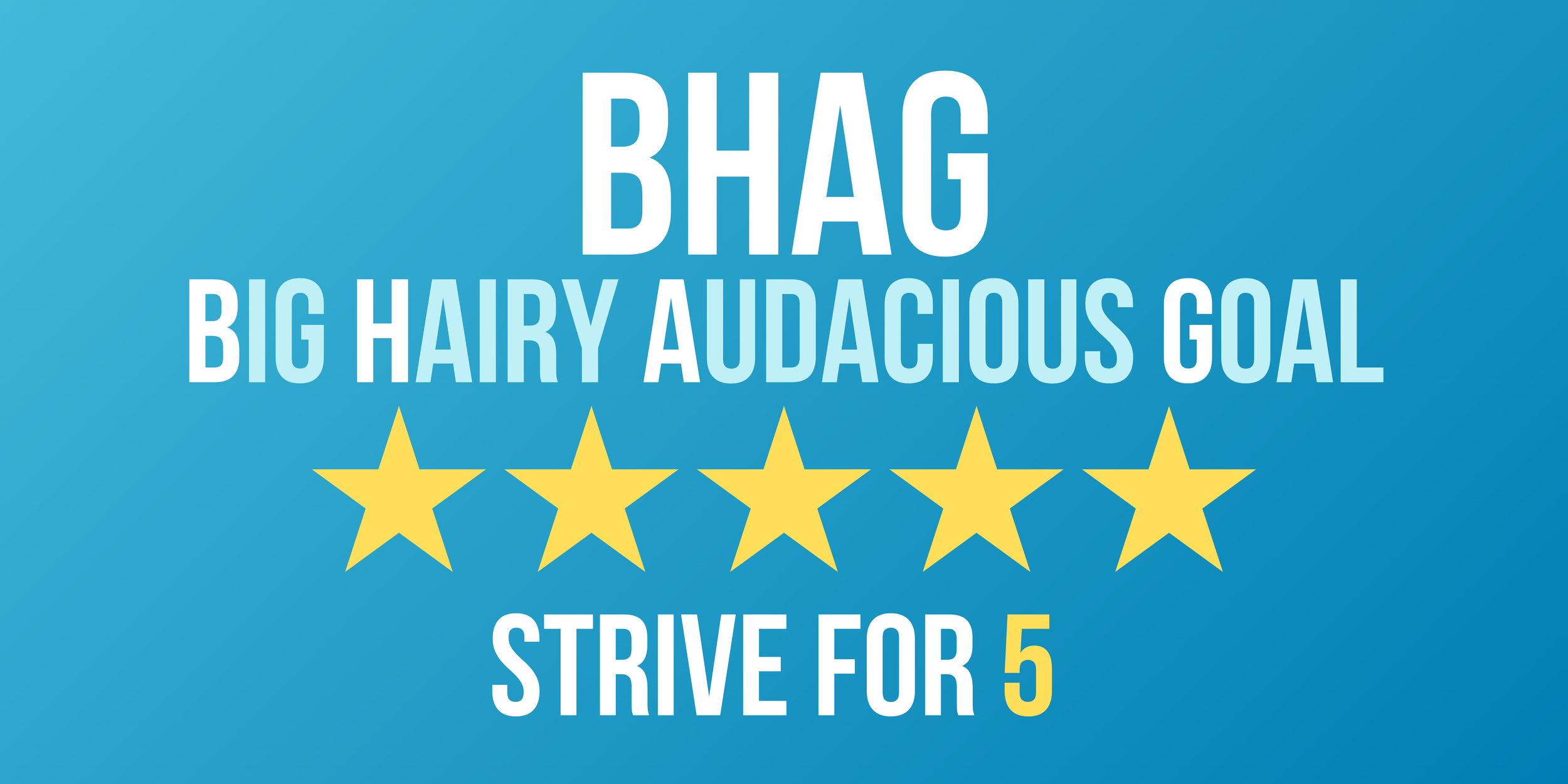
Our BHAG got a refresh!
For the next six weeks, every time a guest gives you a shoutout in a positive Google review, you’re automatically entered in a drawing to win great prizes including $500, PTO days, and some fun surprises.
Quick Links
Team Member Resources
-
Use the Employee Contact Form for Punch Edits or Paycheck Discrepancies.
You can also get in touch regarding being tardy or absent, contact a department manager, contact HR, submit your resignation, or provide anonymous feedback.
-
View the MetroLagoons Employee Handbook. Click Here.
-
Use the Employee Contact Form for Punch Edits or Paycheck Discrepancies.
You can also get in touch regarding being tardy or absent, contact a department manager, contact HR, submit your resignation, or provide anonymous feedback. Item description
-
View the MetroLagoons Employee Uniform Policy. Click Here.
-
Text the word 'Employee' to (813) 692-5446 to sign up for text messages regarding team member updates.
-
Check your schedule, request a schedule change, request time off and more! Click here.
-
Access the online portal via your desktop or through the mobile app on your smartphone or tablet to view your paystubs and benefits. Do you need help setting up your Paychex account? Click Here.
-
All employees must set up direct deposit using the Paychex Employee Portal. Follow the instructions below to get started.
Set Up Online
1. Visit: https://portal.oasisassistant.com/ or download the Paychex Oasis Employee Connect app
2. Log in with your username and password
3. Select Employee Profile
4. Select Direct Deposit and follow the prompts
Need Help Logging In?
Click “Need Help Logging In?” on the sign-in page to reset your credentials
Still having trouble? Call the Employee Service Center at (800) 822-8704
-
Stay up to date on events and important updates with ShiftNote. Click here.
-
Team members can now order name tags online. Click hereand fill out theonline ordering form to request your name tag.
Are you a salaried manager and part of the Leadership Team? Click here to request your name tag.
Team Member Benefits
-
-
As an employee of MetroLagoons, enjoy access to exclusive benefits at the Lagoon.
-
Your GuidanceResources® program provides confidential counseling, expert guidance and valuable resources to help you handle any of life’s challenges, big or small.
View resources available to you via Guardian’s Employee Assistance Program here.
-
Plan the best day ever! Use your Team Member portal to utilize your employee discounts on activities and rentals.
Select your Lagoon:
IT Support
-
Need IT Support? Submit a ticket using the self-service portal at https://support.dsghelp.com/ or by emailing help@dsghelp.com. For after hours support, call DSG’s Help Desk at 813.739.0664 or 800.979.4374. Please do not call or email technicians directly.
-
Visit this site and click “Can’t access your account?” The first time you use Self-Service you may be prompted for a phone number and secondary email for password recovery if either do not exist in your profile.
Marketing & Product Resources
-
Never miss a marketing alert! See what’s new here.
-
To request signage or graphics, please fill out a marketing request form by clicking here.
-
If you or a team member needs new business cards, please fill out a business card request form by clicking here.
-
-
View a helpful guide of all the memberships that MetroLagoons offers.
Reimbursement Forms
-
Please use this form to report an out-of-pocket expense. Report must be filed by the 3rd of the next month. Click here to access the expense report form.
-
Please note before filling out this form: Mileage reports are Lagoon and month specific. Your daily round trip to your normal work location is deducted from your daily total mileage.